
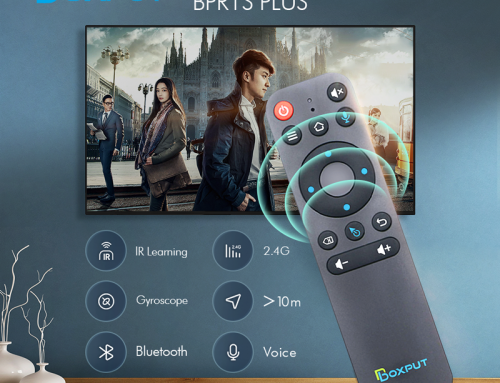
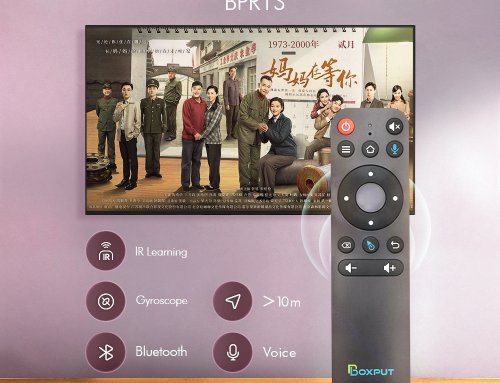
BPR1 is the name of a new remote control developed by the Boxput brand, also called BPR1 Air mouse or BPR1 remote control.
Boxput is one of the brands of Huamas Limited.
Huamas Co., Ltd. is a company dedicated to the research and development of independent products, supporting electronic product customization, wholesale, and drop shipping.
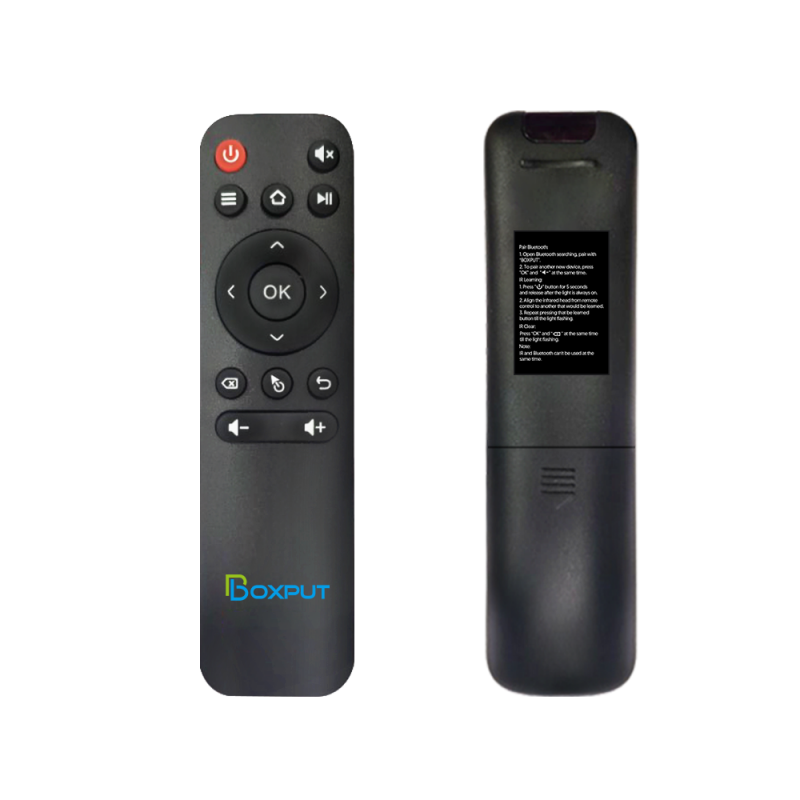
-BPR1:1.0 Version
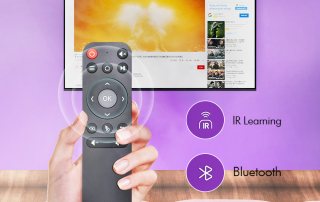
-BPR1:IR Learning + Bluetooth
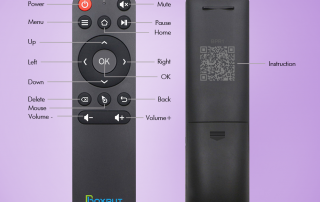
-Instructions are displayed on the back of the BPR1 Air Mouse
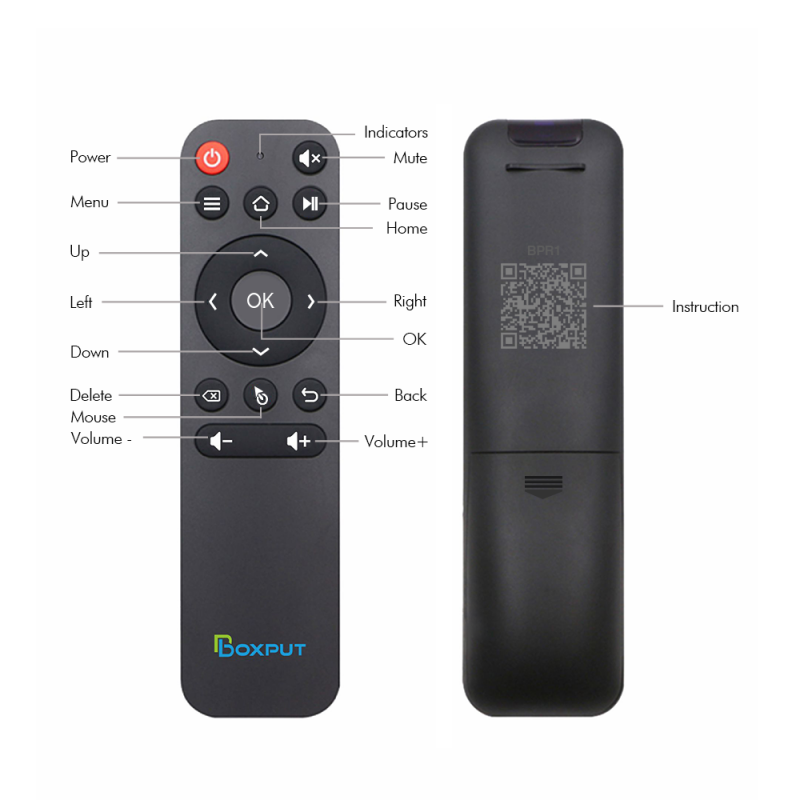
-BPR1:2.0 Version
-BPR1:IR Learning + Bluetooth
-The QR code of the instruction manual is displayed on the back of the BPR1 Remote Control, just scan the code.
BPR1 2.0 Version:
Bluetooth Pairing
1. To pair another new device, press “OK” and “Back” at the same time till the light flashing.
2. Keep the remote control within 1 meter of the device for faster pairing.
3. Open Bluetooth searching, pair with “BOXPUT | BPR1″.
IR Learning (All buttons)
1. Press the button that needs to learn for 8 seconds till it’s flashing, then release (The indicator light on after flashing).
2. Align the IR, press the button that would be learned, it shows success when the indicator light flashing.
3. Repeat 1~2 to learn the other buttons.
4. Press “Delete” and “Back” at the same time till the light flashes to reset IR.
Highlights
1. IR and Bluetooth can’t be used at the same time.
2. Do not use mouse mode in the Google account login interface, otherwise, the “ok” button is not compatible.
3. If no infrared learning, all buttons are Bluetooth mode function accordingly.
4. If the buttons have completed IR learning, only the power button will send the IR signal in priority in Bluetooth mode.
Feel free to tell us more about device compatibility issues and help us upgrade products.
E-mail: info@boxsz.com





Leave A Comment