

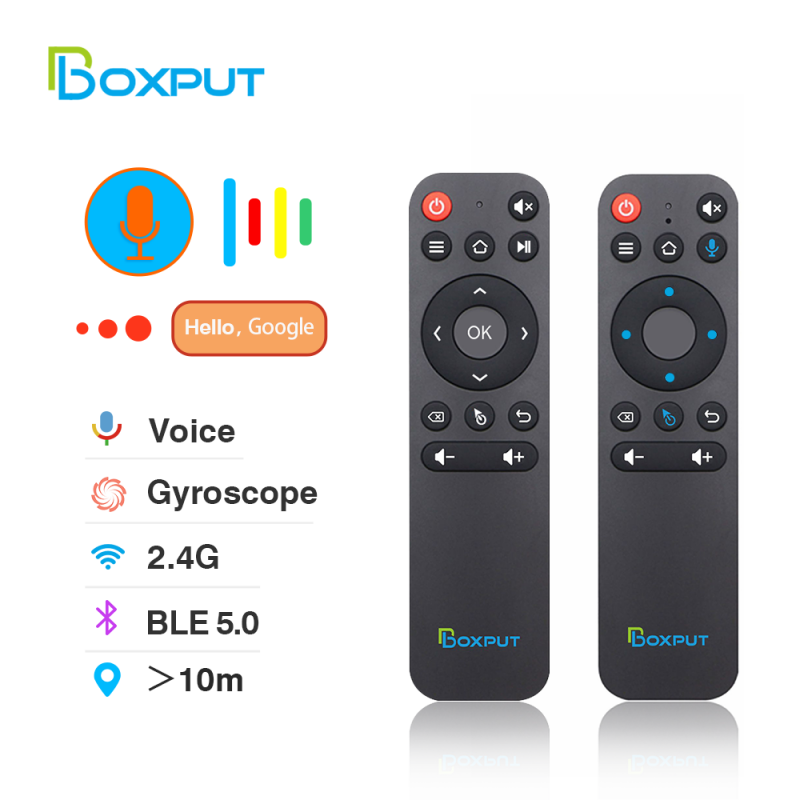

With the advent of the age of technology, various electronic products can be seen everywhere. The remote control brings more convenience to smart life. We can control our electrical appliances, such as TVs, set-top boxes, electric fans, etc., just a few meters away through the remote control. Of course, the most widely used is the TV remote control.
With the emergence of various applications, the Android TV box is also applied, and people can link the Android box to the TV, making it a smart multimedia program with larger storage space, and can download more third-party software.
How to choose a remote control for smart tv?
To buy a new remote for your smart TV, most people consider buying a universal remote, because most of the time the remote fails after the TV has been used for several years or because of other circumstances, it is impossible to control the TV. However, the replacement of TVs is fast. When your remote control is unavailable, your TV may be discontinued, and you cannot buy the original remote control.
So, you need to consider your needs before buying a universal infrared remote control. If you don’t know how to choose, you can follow some of the suggestions I provide to refer to and choose a TV remote control you like.
1) Appearance of universal TV remote control
If you are a face control or the pursuit of quality of life, I think you must first consider the appearance and touch of this remote control.
The overall shape design and material of the remote control, button design and material, etc. are what you will see and consider at first sight.
2) 2) Features of universal remote control
The universal remote control simply means that all TVs that support the infrared function can control the TV after learning the original remote control or the infrared function of the remote control that has learned the original remote control function through the universal remote control.
(PS: If your remote control is damaged to the point that it cannot learn the infrared function, you will not be able to control your TV even if you buy a universal remote control)
Therefore, you should pay attention to the following features of this universal remote control.
1. Remote Control Distance
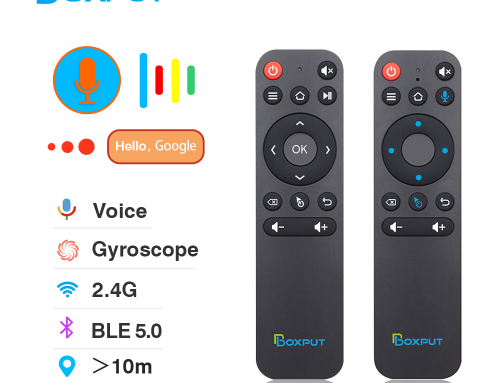
Generally speaking, in the case of no obstruction, the maximum distance of 10 meters is enough for us to use, of course, if your mansion is very, very large, you can consider a remote control with a longer distance.
2. Is the infrared signal receiving ability strong?
The stronger the ability of the remote control to receive infrared signals, the stronger the control sensitivity, and there will be no delay for more than 5 seconds after pressing the button.
BPIR Universal IR TV Remote Control For Sony/LG/Samsung smart TV Remote Controller With Learning Function AA59-00602A AA59-00666A
Feature:
– Powerful signal: Linear-infrased sensor is strong. fast and accurate
– Quick response: Infrared reception fast
– Precise control without errors convenient, fast and quick
– Soft Key Touch: Remote control button switch freely
– Easy to understand at a glance
– Various functions: Super button function You can adjust
– Back description: Remote infrared learningPrecise remote control
BPIR Learning Remote Control
IR Learning (SET button cannot be learned):
1. Press the“SET” button, release it when the indicator light is on.
2.Press the button that would learn, it starts learning when the indicator light flashes once.3.Align the infrared head to another remote that would be learned.
4. Press that be learned button till the light flashes and then the light keeps on.5.Repeat steps 2 ~ 4 to learn the other buttons, press the “SET” button to exit.
How to choose a remote control for an android tv box?
An Android TV box can turn an ordinary TV festival into a computer that can be remotely controlled. As the main platform for watching TV series and movies, TV is equivalent to replacing the computer screen with a larger TV screen through the Android TV box.
An Android TV box can turn an ordinary TV festival into a computer that can be remotely controlled. As the main platform for watching TV series and movies, TV is equivalent to replacing the computer screen with a larger TV screen through the Android TV box.
But because android boxes have different specifications and functions, they use different chips, different android versions, etc., so that the remote control cannot be used for all android boxes.
So when buying a new air mouse remote control for your android box, please pay attention to the following points.
1) Find out if your Android box is an AOSP box or an ATV box
AOSP Android boxes are boxes that are not certified by Google or Netflix.
ATV boxes are Google-certified, Netflix-certified, or both Google- and Netflix-certified boxes
The easiest way to distinguish is to see if there is a dedicated Google or Netflix button on your Android box remote control, either or both of which are ATV boxes.
Because some remote controls are only suitable for AOSP Android boxes or some ATV boxes, and some remote controls are only suitable for ATV boxes.
Only by knowing the type of your Android box, you can know whether this remote control is suitable for your Android box based on the product description or the information provided by the seller.
2) What is your budget?
According to your budget, you can directly search for the remote control with the price within the budget, so that you can quickly locate your demand page, and complete the order as soon as possible so that you can receive your beloved remote control quickly.
3) What are the requirements for the functions of the remote control?
The main functions of the remote control are as follows:
- One-button IR Learning: Only one switch can learn infrared functions
- Multi-key IR Learning: Some remote controls have individual keys that do not support infrared learning, and some remote controls support full-key learning.
- Keyboard function: one side is the remote control, and the other side is the mouse and keyboard.
- Bluetooth function: Link the Android box through Bluetooth to achieve the purpose of controlling the Android box.
- Gyroscope function: achieve the purpose of moving the mouse quickly through gravity sensing.
- Backlight function: to see the keys of the remote control and control the set-top box clearly in the dark.
- Voice function: By sending a voice request to the voice receiving end of the remote control, the purpose of controlling the Android TV box has been achieved.
- 2.4G wireless USB radiofrequency: suitable for ATV and AOSP boxes, but there will be incompatibility, maybe only the voice key can not be used, other keys can be used, but there will be low sensitivity.
- Charged function: Supports charging and placing batteries.
- Uncharged: Charging is not supported, and additional batteries are required to be used.
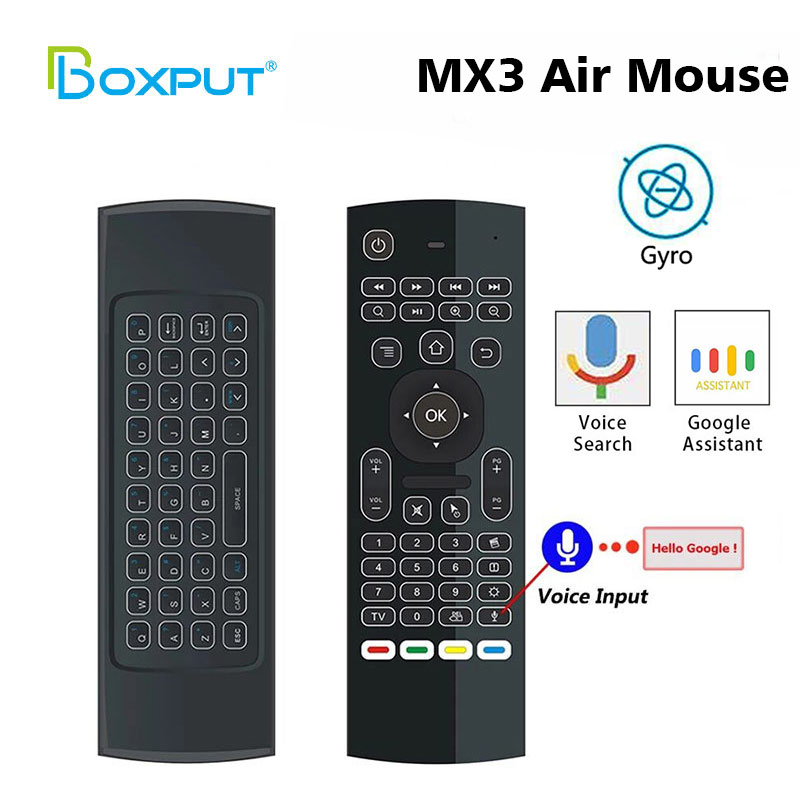
Air Mouse for Android tv Box, MX3 Pro Wireless Keyboard 2.4G Smart TV Remote with Motion Sensing Game Handle Android Remote Control for Android TV Box/PC/Smart TV/Projector/HTPC/All-in-one PC/
System Support:
1. Google/ Android OS
2. Mac OS
3. Linux OS
4. Windows
Special Attention: MX3 air mouse remote can not fit for Amazon Fire TV and Fire TV Stick, or some Samsung and Sony Smart TV.
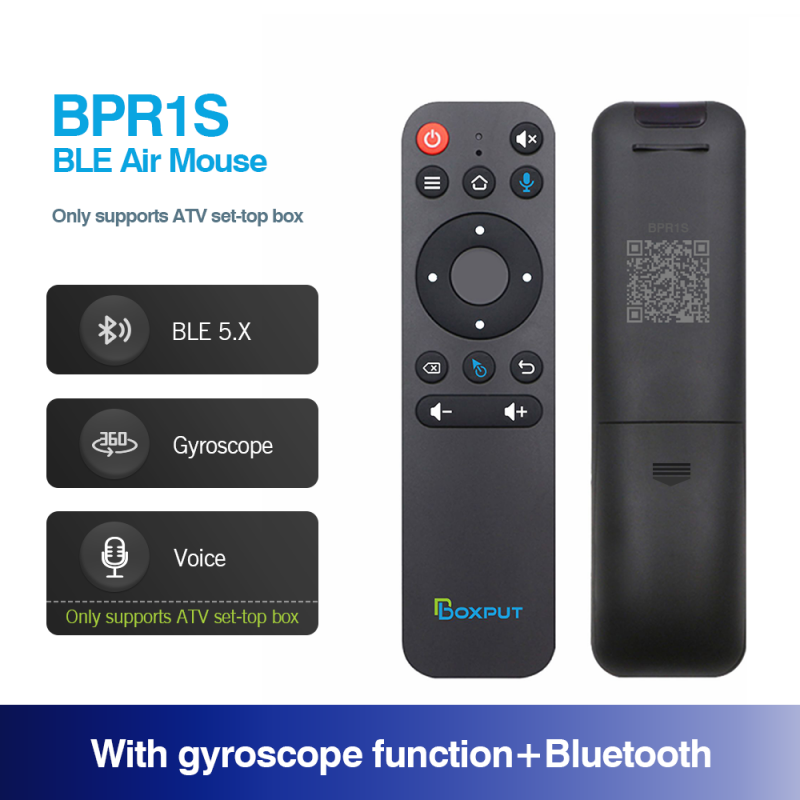
Highlights
1. The button would be IR mode when disconnected from Bluetooth.
2. Only the “Power” button has infrared value when connected to Bluetooth.
3. Press “OK” + “volume +/-” shortly to control the speed of the mouse.
4. In IR mode, it supports full button learning, with no mouse function.
5. In Bluetooth mode, the voice function is applicable to some ATV devices, like TCL Smart TV, Shield TV Box, HAKO mini, Google TV, etc. But the voice function may be incompatible with the other devices.
6. In Bluetooth mode, the voice function is not compatible with all AOSP Android functions and is not equipped with a USB receiver.
7. Do not use mouse mode in the Google account login interface, otherwise, the “ok” button is not compatible.
8. If no infrared learning, all buttons are Bluetooth mode function accordingly.
9. If the buttons have completed IR learning, only the power button will send the IR signal in priority in Bluetooth mode.
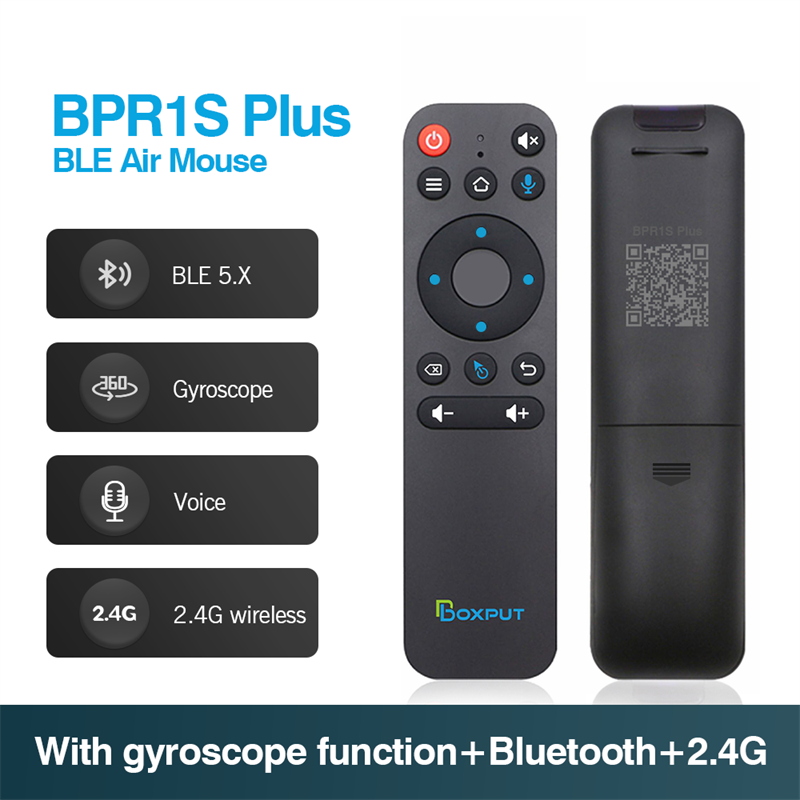
Highlights
1. The button would be IR mode when disconnected from Bluetooth.
2. Only the “Power” button has infrared value when connected to Bluetooth.
3. Press “OK” + “volume +/-” shortly to control the speed of the mouse.
4. In IR mode, it supports full button learning, with no mouse function.
5. In Bluetooth mode, the voice function is applicable to some ATV devices, like TCL Smart TV, Shield TV Box, HAKO mini, Google TV, etc. But the voice function may be incompatible with the other devices.
6. In Bluetooth mode, the voice function is not compatible with all AOSP Android functions.
7. In 2.4G mode, the voice function supports AOSP Android and ATV devices.
8. In 2.4G mode, some ATV TVs cannot enter when logging into a Google account.
9. Do not use mouse mode in the Google account login interface, otherwise, the “ok” button is not compatible.
10. If no infrared learning, all buttons are 2.4G or Bluetooth mode function accordingly.
11. If the buttons have completed IR learning, only the power button will send the IR signal in priority in 2.4G or Bluetooth mode.

Highlights
1. Full Keyboard and TV Remote
2. Motion Sensor Allows Mouse to be Controlled by Waving the Remote
3. Frequency Range: 2.4~2.4835GHz
4. Upgradeable Function for Motion Gaming
5.2.4G Transmission up to 15m
6. Effective Battery Saver, turn into Sleep Mode for 20 Seconds, Inaction <6uA
7. Plug-and-play Function,Compatible with USB1.1 and USB2.0<6uA
8. Applicable to Networked Google/ Android OS (Set-top Box), Mini PC, Mac OS, Android TV Box, Linux OS, HTPC, PCTV, Smart TV, Windows, Projector, All-in-One PC/TV
Special Attention: MX3 air mouse remote can not fit for Amazon Fire TV and Fire TV Stick, or some Samsung and Sony Smart TV.


Leave A Comment